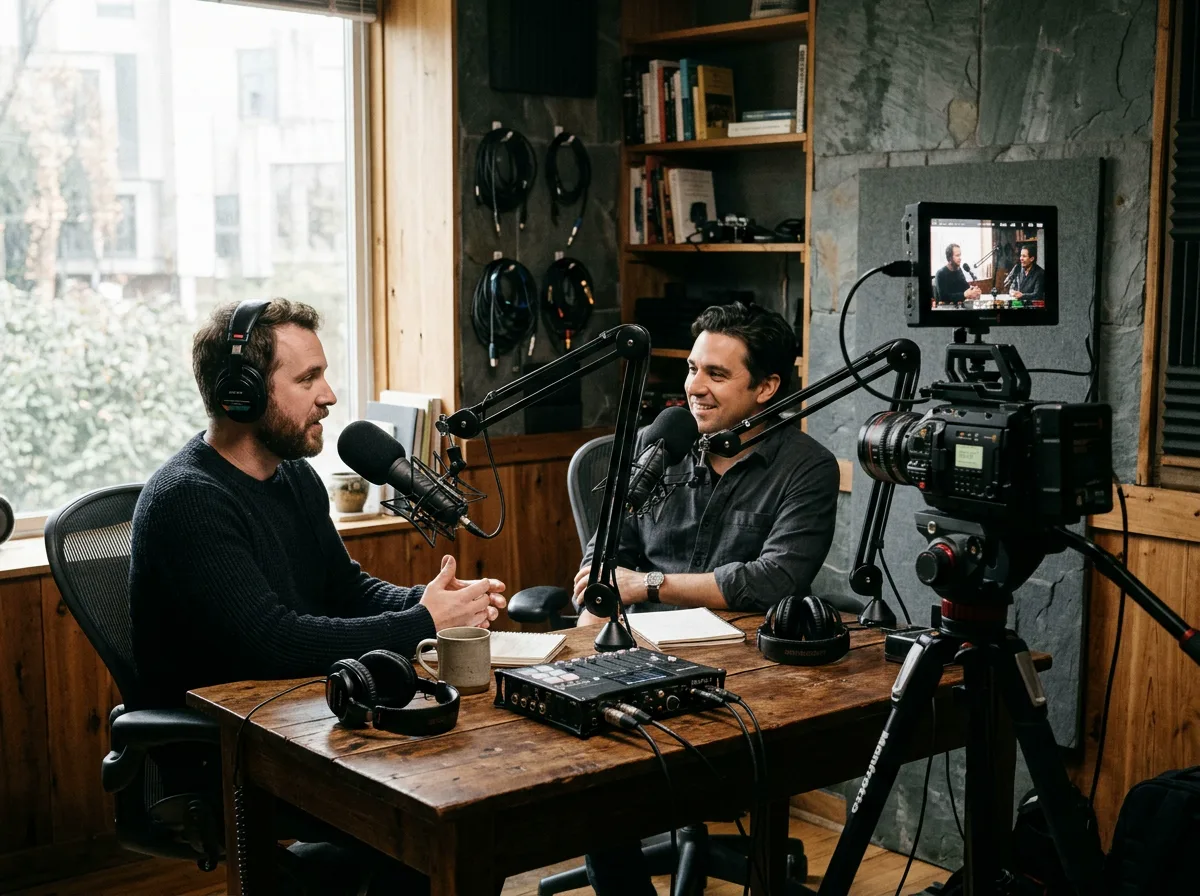
Repurposing7 min read
How to Repurpose Long Videos into High-Retention Shorts
Turn 40-minute recordings, webinars, and vlogs into standalone 9:16 vertical MP4 clips without server uploads.
100% browser-based during launch: no upload, no signup, no watermarks.
Start SplittingPRIVATE IN-BROWSER VIDEO SPLITTER
Split any video into Shorts, Reels, TikTok and WhatsApp clips. Free, private, in your browser. No upload, no signup.
Your video never leaves your device. Processing happens in your browser. MP4, MOV, WebM, and MKV of any length supported.
Four fast, private steps on desktop or mobile with zero uploading.
Drag and drop any MP4, MOV, WebM, or MKV file—including hour-long recordings. Your file stays locally on your device.
Choose 20s, 30s, 40s, 59s, or up to 150s. Use Fast stream copy for huge files or Precise mode for 9:16 cropping.
Instead of copying gigabytes into RAM, ShortSlice mounts your file via WORKERFS and generates each clip on demand.
Play any clip from 0:00 with full sound and download verified MP4 files ready for Shorts, TikTok, Reels, or WhatsApp.
Engineered cleanly with zero server uploads and full audio/video integrity.
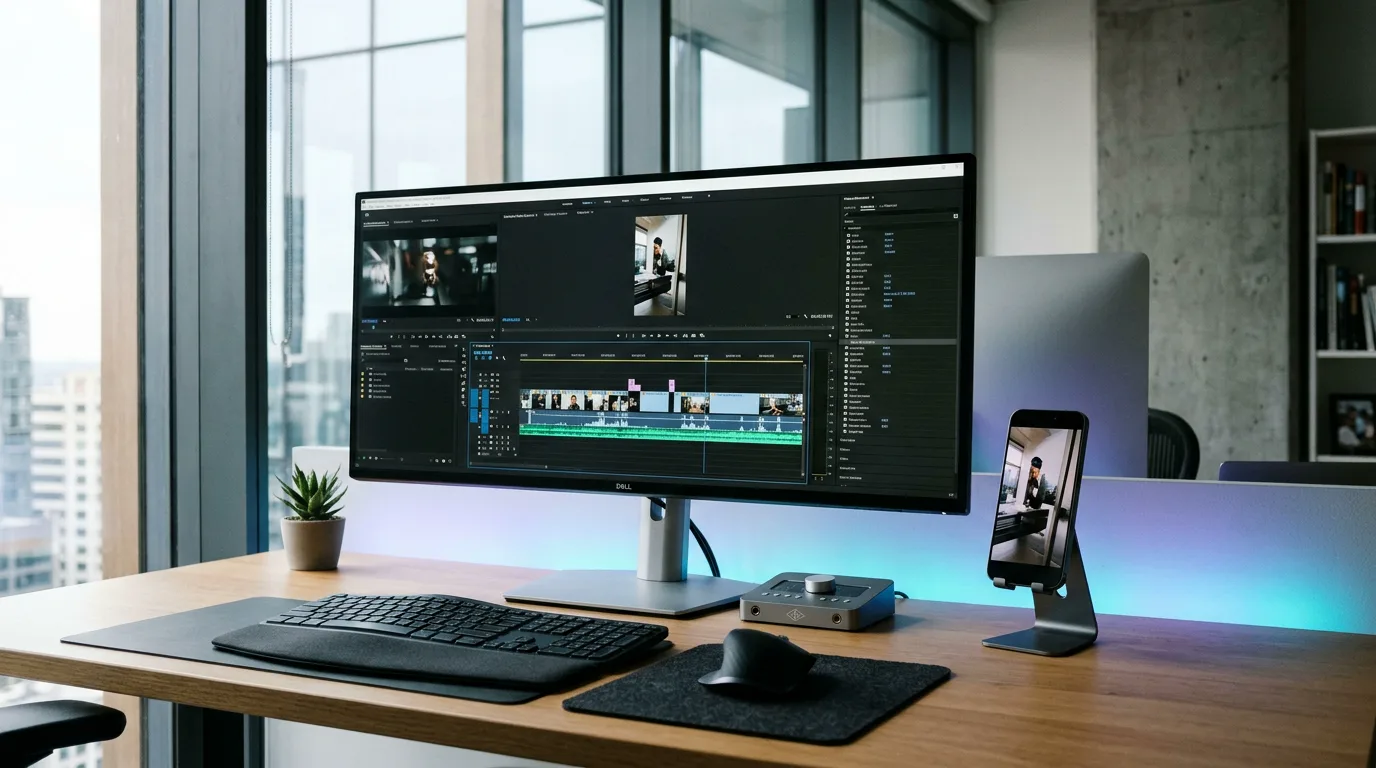
Your footage never travels to a server. Cutting and encoding happen inside your own browser tab.
WORKERFS mounting avoids copying large files into memory, and clips generate one at a time on demand.
Cut instantly with -c copy for long recordings, or re-encode with H.264 + AAC and 9:16 framing.
Preserves consecutive segments cleanly across the whole timeline while dropping short trailing fragments.
Every exported clip is checked for size, video/mp4 MIME type, and valid ftyp container signature.
Complete native navigation and mirrored RTL support for Arabic and Urdu alongside global creator languages.
Turn one recording into dozens of ready-to-share clips.
30s WhatsApp parts
Split longer family, event, or product videos into crisp 30-second MP4 parts with audio intact.
9:16 H.264 + AAC
Crop horizontal recordings to 9:16 vertical 1080×1920 clips with balanced stereo AAC audio.
60s–150s highlights
Mount 60-minute or 2-hour episodes in Fast mode and preview or export only the clips you want.
Jump straight to a pre-configured workflow tailored to your platform or task.
Turn long horizontal recordings, tutorials, or vlogs into ready-to-post 9:16 vertical Shorts clips right inside your browser—with zero uploading and zero watermarks.
Divide videos of any duration into equal 10s–150s segments with instant Fast stream copy or frame-accurate H.264 re-encoding, completely free without uploading files.
Automatically slice lectures, family recordings, interviews, or gameplay into numbered sequential parts without dragging scissors dozens of times on a complex timeline.
Divide wedding videos, travel highlights, sermons, or announcements into clean 30-second MP4 parts that upload sequentially to WhatsApp Status without losing sound.
Repurpose horizontal landscape videos into punchy 9:16 vertical clips (1080×1920) sized specifically for TikTok, Instagram Reels, and vertical video feeds.
No 15-minute limit. Load 40-minute interviews, 1-hour webinars, or multi-hour streams with WORKERFS direct mounting and cut Fast clips without crashing your browser.
Skip slow cloud uploads and privacy risks. Cut your confidential drafts, personal clips, and client footage inside your own browser tab with clean watermark-free MP4 exports.
Dial in any custom interval from 10 to 59 seconds—or extended 60 to 150 second chapters—and automatically split your recording along exact second markers.
Practical tutorials on pacing, retention hooks, WhatsApp splitting, captions, and MP4 codecs.
Turn 40-minute recordings, webinars, and vlogs into standalone 9:16 vertical MP4 clips without server uploads.
Compare 20s, 30s, 40s, 59s, and extended 60–150s clip lengths across Shorts, Reels, TikTok, LinkedIn, and WhatsApp.
Visual and spoken opening formulas that stop scrolling in the first three seconds when slicing clips from long recordings.
Answers about browser privacy, file sizes, Fast vs Precise modes, and compatibility.
No. Your video never leaves your device. ShortSlice loads FFmpeg WebAssembly inside your browser and mounts your local file directly so processing stays private.
Running free privacy-first tools takes continuous maintenance. If ShortSlice saved you editing time, buy us a coffee via PayPal.
Optional contribution via PayPal.me — ShortSlice remains free to use with no signup.