Weekly Content Calendar: 1 Long Video to 7 Days of Clips
Turn one weekly recording session into seven days of vertical and square MP4 posts using clean filename and retention tracking.
Camille Moreau · Creator Operations Lead
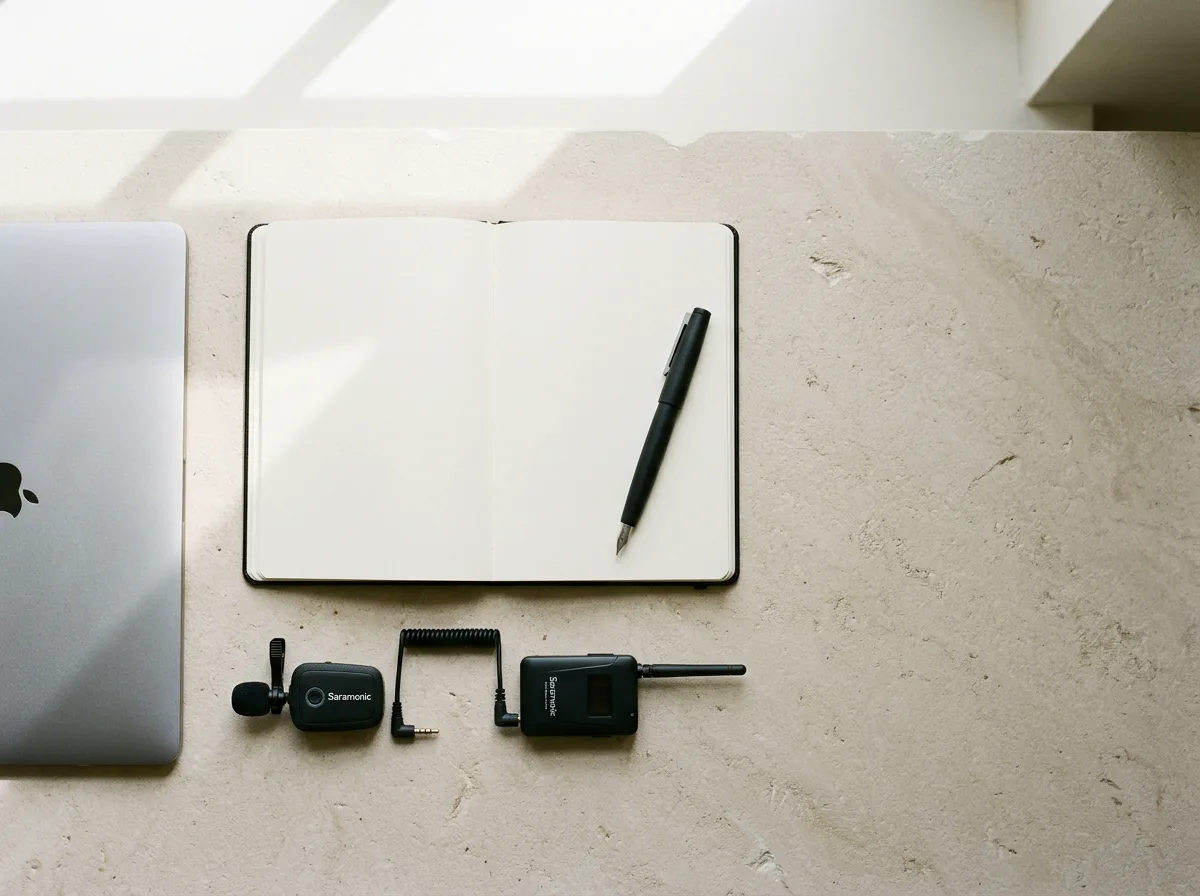
Escaping the Exhausting Daily Filming Cycle
Many independent creators quit daily short-form posting within three weeks—not from a shortage of ideas, but because unpacking studio lights, syncing microphones, and clearing desk clutter seven mornings a row becomes unsustainable. Reliable consistency stems from separating filming days cleanly from publishing days.
A single focused 30-to-45-minute recording filmed once a week already contains plenty of spoken insights for seven standalone clips. Splitting that recording locally in your browser eliminates upload queues and lets you export the exact segments needed for the week ahead.
Instead of rushing out half-thought clips every evening under deadline stress, batching lets you compare hooks side by side calmly on Monday morning when your creative judgment is freshest.
A Repeatable Monday-to-Sunday Batching Rhythm
Structure your long recording intentionally into five or six self-contained mini-chapters with a crisp two-second pause between answers. Those pauses act as effortless visual landmarks when splitting sequential clips later.
Assign distinct editorial roles to each weekday clip so followers experience fresh variety rather than repetitive talking-head lectures seven days running:
- Monday (Record & Split): Record one flagship talk, then preview and export five 30–59s cuts plus one 90s deep highlight.
- Tuesday (Hook Clip): Publish your boldest contrarian insight in 9:16 vertical format.
- Wednesday (How-To Demo): Release a step-by-step tactical demonstration sized at 40s–59s.
- Thursday (Square Feed Post): Share a 1:1 square segment on LinkedIn or community feeds.
- Friday (Extended Cut): Publish the 60s–120s story breakdown for high watch-time audiences.
- Weekend (Q&A + Audit): Post your closing viewer answer and log top completion performers for next Monday.
Structuring Long Shoots for Modular Clipping
Small speaking habits dramatically speed up downstream slicing. Whenever transitioning to a new example during a forty-minute workshop, briefly restate the topic clearly as a standalone sentence ("Here is why 9:16 safe zones save retention on mobile") after pausing quietly for two seconds.
Those crisp conversational resets ensure you do not have to glue half-finished thoughts together later—every sub-chapter emerges naturally cleanly framed for a standalone 30-second or 60-second export.
If you read listener questions live on screen, announce the essence of the question aloud before answering it. That tiny habit gives each cut segment a built-in cold open without requiring artificial re-recording later.
Organizing Exported MP4 Files for Fast Scheduling
Exported clips quickly become impossible to find if every file sits inside Downloads labeled only as clip-1.mp4. Immediately move weekly picks into a simple dated structure such as YYYY-MM-DD_Topic_Clip01_9x16_45s.mp4 so framing, length, and topic remain readable at a glance.
Alongside the folder, keep a minimalist three-column tracker logging Opening Line, Duration Seconds, and 48-Hour Completion Rate. Within four Mondays, clear trends reveal which pacing keeps your viewers engaged without guessing.
Maintaining a clean archive also unlocks evergreen effortless reposting months later: whenever new followers join your channel around a seasonal topic, proven high-retention MP4 exports sit ready inside well-labeled folders.
Sequencing Exports Across Channels Without Overlapping Fatigue
Publishing the exact same clip on four platforms simultaneously can feel repetitive to superfans who follow you everywhere. Instead, stagger your sequential exports by several days: release Clip A on Shorts on Tuesday while posting Clip C as a 1:1 square insight on LinkedIn the same afternoon, then rotate topics across networks the following week.
Because ShortSlice processes local video files quickly without watermarks or upload fees, maintaining staggered multi-format folders—one 9:16 folder alongside one 1:1 folder from a single flagship master—takes less than ten extra minutes per episode.
- Stagger top clips across platforms by 48 to 72 hours for fresher subscriber feeds.
- Tailor framing (9:16 vs 1:1) to match each destination feed natively.
- Re-publish timeless evergreen insights quarterly from your labeled archive.
Why Sustainable Cadence Beats Unsustainable Streaks
Skipping a single upload day never derails long-term growth, whereas pushing yourself into exhaustion halts publishing for months. Start with three cleanly audio-checked clips per week extracted from one recording, verify sound and captions carefully, and scale up only once the workflow takes under fifteen minutes.
Over six months, three reliable high-signal clips per week accumulate nearly eighty polished assets—building compounding reach without sacrificing sleep or deep flagship projects.
Consider creating a recurring Friday fifteen-minute retrospective where you look back at your three exported clips side by side: note which opening sentence sparked thoughtful audience comments, which duration felt most natural without dragging, and which subject angle visitors saved most actively. Turning every single long video into a calm, repeatable creative laboratory transforms short-form outreach from an exhausting daily chore into your most dependable weekly growth engine—one grounded in genuine expertise you already delivered once on camera.
When collaborating with a virtual editor or marketing teammate, sharing timestamp start/end values copied straight off the ShortSlice sequential clip cards avoids endless back-and-forth screenshots and guarantees everyone schedules the exact same validated MP4 exports on the calendar.
Keeping that disciplined rhythm week after week also builds predictable trust with returning followers who learn that every weekday brings one clear, helpful takeaway rather than noisy filler filmed under last-minute pressure.
As your library grows past twenty flagship recordings, tag high-performing evergreen topics cleanly so new interns or freelancers can slice fresh seasonal clips cleanly from proven source masters without requesting extra camera days.
Even better, batching audio inspections and thumbnail frames on Monday morning clears your entire afternoon for deeper product creation, audience replies, and strategic outreach rather than firefighting daily publishing deadlines.
About the Author
Camille Moreau — Creator Operations Lead
Camille builds sustainable solo creator production calendars and zero-burnout batching workflows for online educators.
Cut Any Video Into Equal Sequential Parts Automatically
Automatically slice lectures, family recordings, interviews, or gameplay into numbered sequential parts without dragging scissors dozens of times on a complex timeline.