12 Video Hooks That Hold Viewers Past the First 3 Seconds
Visual and spoken opening formulas that stop scrolling in the first three seconds when slicing clips from long recordings.
Elena Rostova · Editorial Producer
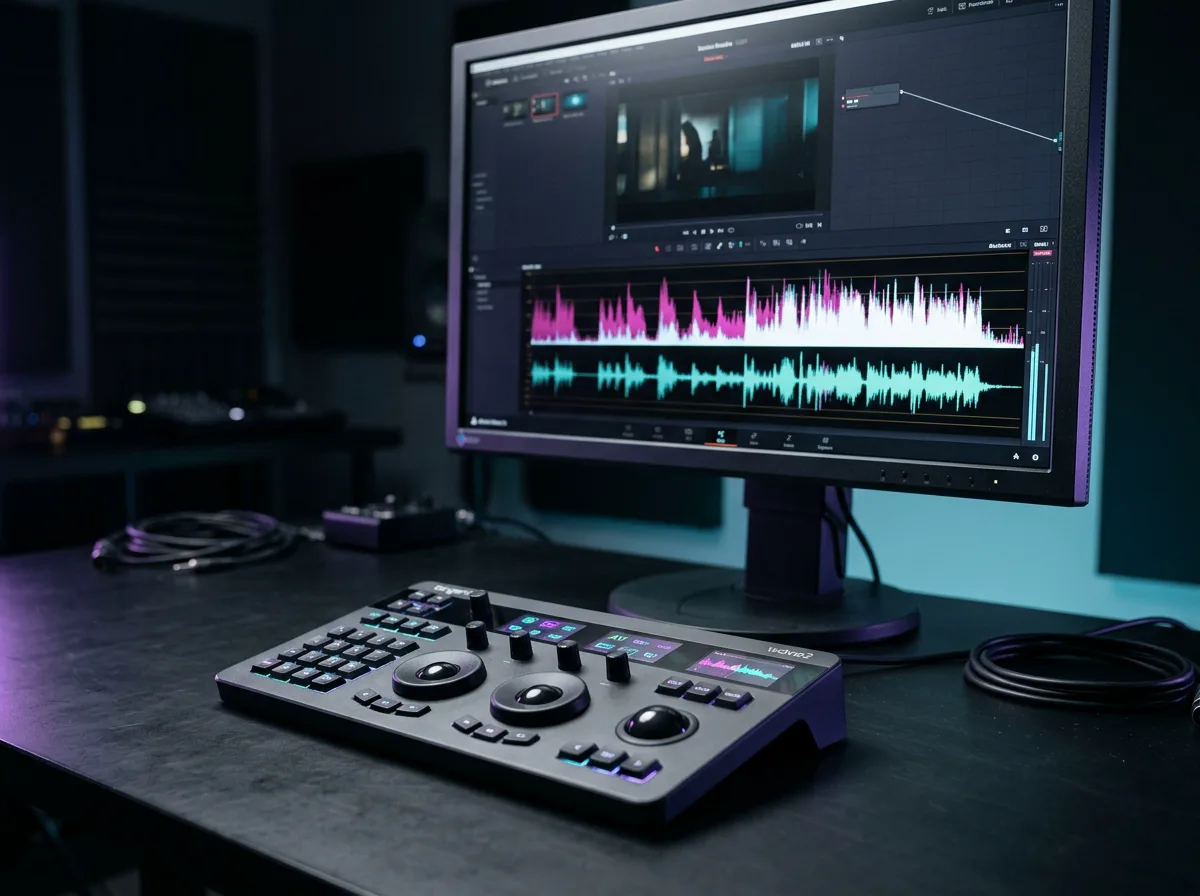
What Actually Happens in the First Two Seconds
Short-form viewers evaluate hesitation down to fractions of a second. Before a listener registers your third spoken word, they have already subconsciously judged vocal confidence, visual contrast, and subject clarity. Opening a cut clip with half a second of awkward silence, a throat clear, or a generic "Hey everyone, welcome back" instantly triggers an automatic thumb swipe.
Whenever you split clips from a longer recording, trim right up to the first consonant of an unmistakable statement. Clear, concrete stakes outperform forced volume or shouting every time because viewers respect creators who get straight to the value.
Remember that mobile apps also take a split second to settle focus while swiping between posts. Leading immediately with crisp speech or deliberate hand motion signals clearly that real action is underway—preventing viewers from assuming the post is a static image or slow advertisement.
Four Spoken Hook Patterns Ready to Spot in Long Footage
High-retaining short openings usually cluster into four dependable patterns: curiosity gaps, gentle contrarian corrections, quantified outcomes, and direct audience callouts. Scanning transcripts or listening back at 1.5x speed makes finding these phrases inside a 45-minute lecture effortless.
Notice how none of these formulas rely on deceptive clickbait. Instead, they accurately preview the core insight inside that thirty-second segment while removing rambling throat-clearing that works fine in long episodes yet kills short vertical pacing.
- Contrarian Hook: "Most people export MP4 audio backward—here is why it plays muted."
- Specific Mistake Hook: "This tiny timeline pause quietly ruins 30-second loops."
- Result-First Hook: "Here is what changed once we switched from 15s to 45s clips."
- Direct Callout Hook: "If you record lectures in a bright room, check this framing tip."
- Comparison Hook: "Fast copy vs. Precise H.264—let us compare the exact cut frames."
- Process Secret Hook: "How one hour-long recording fills an entire week of posts."
Six Visual Opening Checks Before Exporting
Spoken sentences carry only half the opening job. Because many viewers browse feeds silently for the first beat, frame #1 must show immediate visual intent. Avoid starting a cut on a fade-in from black or an empty slide transition; advance the start timestamp half a second so frame #1 displays a crisp face, hand movement, or high-contrast headline.
Consider testing clips muted inside ShortSlice before hitting play with sound. Ask yourself whether a stranger standing in a quiet train car could tell within two seconds what object, screen, or person holds focus. If frame #1 reads cleanly even muted, audio listeners will engage effortlessly too.
- Clip dead air breaths before the opening word so audio begins immediately at 00:00.
- Begin on visible physical motion or an unmistakable visual contrast.
- Keep speakers centered inside the middle third if cropping 16:9 to 9:16.
- Introduce subtle visual resets every 8–10 seconds in extended 60s–150s clips.
- Cut cleanly on a final decisive word rather than trailing "so yeah" filler.
- Structure the ending line so looping back to 00:00 reads naturally.
Engineering Decisive Endings That Trigger Loops & Shares
Just as slow openings bleed viewers early, weak endings kill algorithm momentum right at the finish line. Long podcasts frequently wind down answers with soft phrases like "so anyway, that is basically how I approach it, what do you think?" Keeping those three trailing seconds flattens completion curves and prevents natural loops.
Stop the clip on the crisp final noun or verb of the answer. Not only does termination feel tight and confident, viewers still reading the screen frequently catch frame #1 looping instantly back into action before realizing the video finished.
Test that loop transition directly inside ShortSlice preview before hitting download: watch the final two seconds wrap back into zero and verify there is no jarring audio pop or awkward blank slide sitting between the conclusion and opening word.
Aligning Your Spoken Hook With On-Screen Context & Captions
Viewer trust accelerates when three cues agree instantly within the first two seconds: what the viewer sees moving inside the frame, the top-line text or opening visual context, and the first spoken sentence coming through headphones. When a long webinar clip starts with a speaker saying "This saved us twelve hours every Friday" while the slide on screen merely shows an unrelated title slide from fifteen minutes earlier, viewers get disoriented and swipe.
Before finalizing timestamp boundaries, trim out mismatched visual holdovers from earlier chapters. Either start slightly later right as the relevant chart, physical object, or speaker close-up enters focus, or pair the audio with a concise two-to-four-word on-screen label that echoes the exact promise of your opening sentence without cluttering the speaker’s face.
- Echo the primary noun of your spoken hook cleanly in the first visual beat.
- Avoid stale slide transitions left over from the previous lecture chapter.
- Check mobile portrait proportions so heads and hands stay naturally framed.
Auditing Your Hold Rate After Publishing
After publishing five clips, check your three-second hold rate or "stayed to watch" metric. Anything below 60 percent points directly to opening friction—either dead air at 00:00 or an unclear premise. Once your opener crosses 75 percent, shift your attention toward tightening middle pacing rather than endlessly rewriting first lines.
Keep a shortlist of your top ten opening sentences across the year. Seeing which exact words consistently beat seventy percent three-second retention teaches your editorial intuition far faster than any abstract theory.
Compare weak clips against top performers frame by frame at the zero-second mark: almost every time, removing even 400 milliseconds of silent hesitation at 00:00 lifts early viewer hold noticeably without changing a single word of the underlying explanation.
À propos de l’auteur
Elena Rostova — Editorial Producer
Elena directs documentary shorts and educational creator channels, focusing on cold-open structure and pacing audits.
Couper pour TikTok & Reels
Couper pour TikTok & Reels. Traitement 100% local dans votre navigateur via WORKERFS sans limite de durée.