Aspect Ratio Framing Guide: 9:16 vs 1:1 vs 16:9
Crop horizontal 16:9 recordings into 9:16 vertical and 1:1 square MP4 clips cleanly without slicing off faces or slides.
Tariq Haddad · Cinematography & Framing Specialist
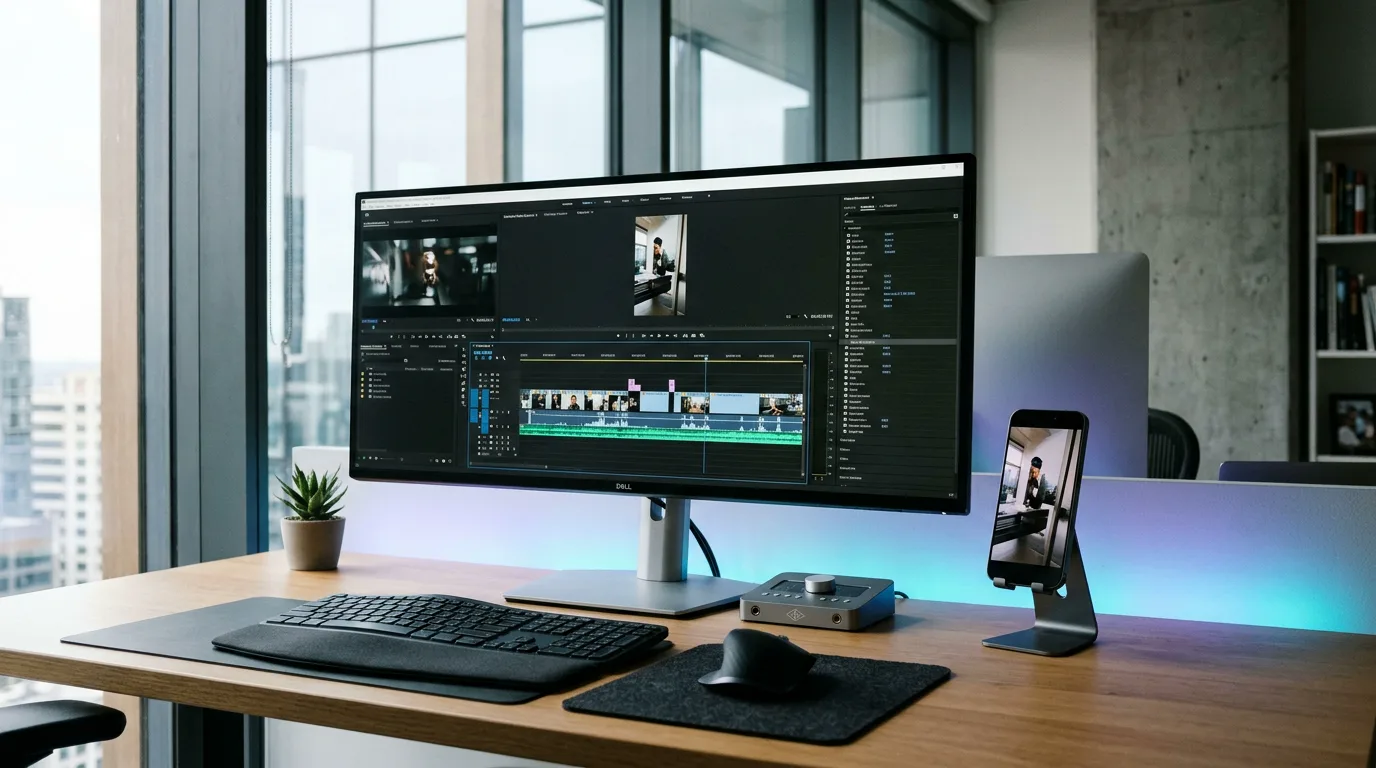
The Math Behind Cropping 16:9 Footage to Vertical 9:16
A standard 1920×1080 horizontal recording has an aspect ratio of 16:9. When you center-crop that widescreen master into a 1080×1920 vertical 9:16 frame, you keep 100 percent of the vertical height while preserving roughly 31.6 percent of the horizontal width. Understanding that single geometric ratio immediately explains why cluttered widescreen shots feel claustrophobic when cropped blindly.
Whenever you film a long talk or product review knowing you will later split clips for vertical feeds, leave modest breathing room above your head, keep key demonstrations inside the center third of the viewfinder, and shoot in 4K (3840×2160) if your camera supports it. Extracting a 1080×1920 vertical crop from a 4K master retains crisp native pixel sharpness without soft enlargement.
Also verify how wide the camera lens sits relative to the speaker. Standing slightly farther back at a 35mm or 50mm focal length frames shoulders and natural hand gestures comfortably inside the middle vertical corridor, whereas extreme close-ups fill the edge margins quickly once sliced horizontally.
When 9:16 Vertical Framing Is Essential
On mobile-first feeds such as Shorts, Instagram Reels, and TikTok, 9:16 vertical occupies the full viewport from top edge to bottom bezel. Dropping uncropped 16:9 landscape footage directly into a vertical player shrinks the subject down to a narrow horizontal band surrounded by blank margins—signaling hastily recycled media.
Center-framed talking heads, overhead craft or recipe demonstrations, single-host commentary, and clean product close-ups convert seamlessly to 9:16. Choosing Precise mode with 9:16 Vertical in ShortSlice automatically scales and center-crops your segment to 1080×1920 with aligned H.264 macroblocks.
Bear in mind that Fast mode (-c copy) skips re-encoding pixels in order to execute almost instantly; whenever you want horizontal footage re-framed vertically, toggle Precise mode so FFmpeg performs the geometric crop cleanly while locking sound sync.
Why 1:1 Square Still Excels on Feed Platforms
Vertical is not automatically best for every placement. Across LinkedIn feeds, X timelines, community posts, and embedded help documentation, 1:1 square clips occupy roughly seventy-eight percent more vertical feed real estate than widescreen 16:9 while keeping enough horizontal width for two co-hosts or software interfaces.
Whenever your recording features two speakers conversing side-by-side or a presentation slide next to a webcam box, 1:1 square preserves crucial context that a narrow 9:16 crop would clip off.
Square exports also minimize accidental clipping when viewers browse embedded blog videos across tablets and laptops where narrow vertical columns feel awkwardly tall inside desktop reading grids.
- Select 9:16 (1080×1920) for Shorts, TikTok, Reels, and full-screen mobile stories.
- Select 1:1 (1080×1080) for dual-guest podcasts, LinkedIn, X, and feed carousels.
- Keep 16:9 Original (or Fast mode) for code demos, spreadsheets, and multi-column tutorials.
Handling Software Demos, Code Editors & Wide Slides
Screen captures pose the trickiest challenge during vertical repurposing because spreadsheet cells, IDE sidebars, and dense charts sit cleanly across wide 1920-pixel canvases. Center-cropping a full desktop capture blindly down to 9:16 often chops off menus and buttons viewers need to read.
To keep technical tutorials legible in vertical exports, zoom your browser or code editor to 150 percent before recording and tuck floating webcam windows neatly near center rather than extreme outer corners. Alternatively, export wide technical walkthroughs at 1:1 square or 16:9 original so subtle UI controls remain crystal clear.
Setting Up Multi-Ratio Safe Framing Before You Record
Modern studio monitors increasingly include built-in 9:16 center-guide overlays while filming standard 16:9 episodes. Even on a simple desk webcam, placing small removable tape markers on your preview window lets you verify hands, products, and posture stay comfortably inside the middle column—turning a future clipping session into a smooth one-minute export.
Planning framing once at camera setup avoids hours of tedious manual pan-and-scan keyframes afterward and makes every sequential segment in your master file immediately ready for both desktop and vertical feeds.
Framing Two-Speaker Podcasts, Panels, and Table Interviews
Single-camera two-shot interviews create the classic center-crop dilemma: if both hosts sit near opposite thirds of a wide sofa, cropping directly down the horizontal center slices away both speakers’ faces equally. Before investing in expensive multi-camera switchers, consider adjusting chair spacing slightly closer together around a shared studio table or recording dedicated tight webcam angles alongside a wide safety shot.
When working from existing wide two-person recordings where both speakers remain far apart on screen, lean toward 1:1 square (1080×1080) exports instead of aggressive vertical slicing. Square geometry keeps generous horizontal latitude while still dominating vertical mobile scroll cards compared to tiny letterboxed 16:9 strips.
If a guest sits strictly off-center during only one answer while solo demonstrations happen later in the same master file, there is nothing stopping you from slicing two different ratio passes off the identical local source recording: export the solo demonstration cleanly at 9:16 vertical, then reset and export the two-guest conversation clip at 1:1 square without leaving ShortSlice.
Remember that audio and narrative energy remain constant regardless of aspect crop, so testing both 1:1 and 9:16 exports on two different clips from the same guest interview helps reveal which visual container earns stronger mobile completion for your exact studio lighting and background setup.
- Sit co-hosts shoulder-to-shoulder closer to frame center if vertical Shorts are your main goal.
- Use 1:1 square (1080×1080) when two people converse across wide studio desks.
- Always inspect preview clip #1 visually after switching ratios before batch exporting.
مصنف کے بارے میں
Tariq Haddad — Cinematography & Framing Specialist
Tariq advises studio setups and solo educators on multi-ratio framing, lighting contrast, and 4K-to-mobile crop workflows.
TikTok اور Reels کٹر
TikTok اور Reels کٹر. WORKERFS کے ذریعے 100% مقامی براؤزر پروسیسنگ بغیر وقت کی حد کے۔